


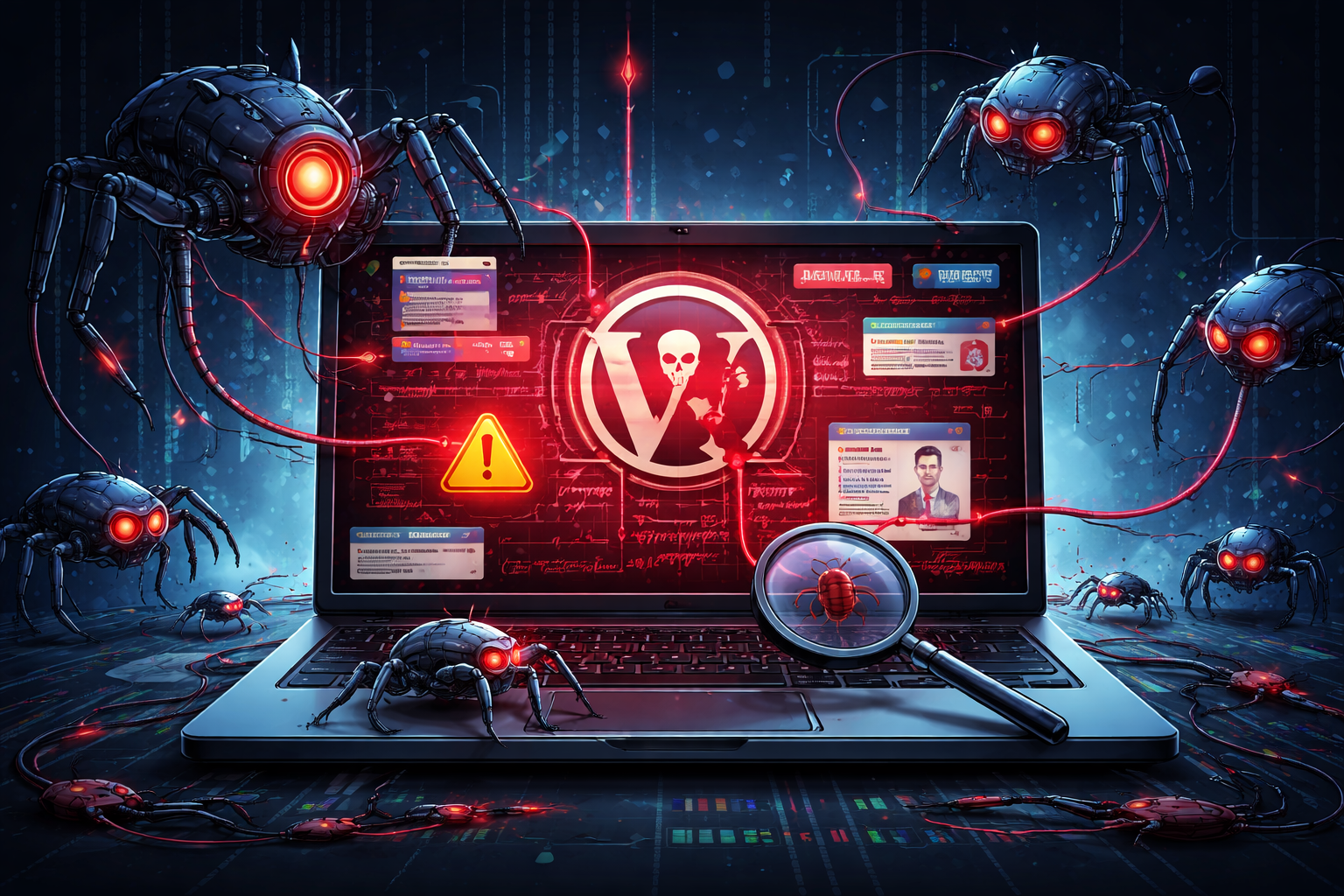
Discovering your WordPress site has been hacked is a nightmare scenario for any website owner. One of the most insidious forms of WordPress attacks comes from spam bots that systematically destroy your search engine rankings while injecting malicious code into your core files. Understanding how this happens and what to do about it can mean the difference between recovery and permanent damage to your online presence.
How Spam Bot Attacks Unfold
Spam bot attacks on WordPress sites rarely announce themselves with obvious signs. Instead, they work in the shadows, gradually degrading your site’s reputation with search engines while using your server resources to spread malware, phishing links, and spam content across the web.
Attackers typically gain access through common vulnerabilities like outdated plugins, weak passwords, or unpatched WordPress core files. Once inside, automated bots begin their destructive work. These aren’t simple scripts, they’re sophisticated programs designed to evade detection while maximizing damage.
One of the most damaging tactics involves injecting malicious code directly into your WordPress files. Attackers commonly target these files for injection:
wp-config.php, your site’s configuration file becomes a prime target because it loads on every page request, making injected code highly effective.
index.php files, both in your root directory and theme folders, these files provide excellent hiding spots for malicious code that executes whenever someone visits your site.
functions.php, located in your theme directory, this file controls critical site functions and is frequently compromised to add backdoors or spam-generating code.
Plugin files, especially in popular plugins, attackers inject code that blends in with legitimate functions, making detection difficult.
The injected code typically appears as obfuscated PHP that’s nearly impossible to read. It might look like random characters, base64-encoded strings, or heavily encrypted text. This code can create backdoors for future access, generate spam pages, redirect visitors to malicious sites, or harvest user data.
How Spam Bots Kill Your Search Rankings
The impact on your search engine visibility can be catastrophic and happens through multiple channels simultaneously.
Bots create hundreds or thousands of spam pages on your domain, often targeting pharmaceutical spam, gambling links, or adult content. Google indexes these pages under your domain name, associating your legitimate business with spam content. Your site’s authority plummets as search engines recognize the spam pattern.
More sophisticated attacks use cloaking techniques, showing different content to search engine crawlers than to regular visitors. You might never see the spam pages yourself, but Google does. The bot creates doorway pages optimized for spam keywords that redirect users to malicious sites, while you remain completely unaware.
Injected code often adds hidden links to spam sites throughout your content. These links might be invisible to human visitors, like white text on white background, zero-size fonts, or positioned off-screen, but are perfectly visible to search engines. Each outbound link to a spam or malicious site damages your site’s trustworthiness in Google’s eyes.
Heavy bot activity slows your server response times. Page speed is a ranking factor, and when your site struggles to load because bots are consuming resources, your rankings suffer. Legitimate visitors experience slow load times and may abandon your site, increasing bounce rates and further damaging SEO.
Warning Signs Your Site Is Compromised
Recognizing an attack early can limit the damage. Watch for these red flags.
Unexpected traffic spikes from unusual geographic locations or referral sources can indicate bot activity or that your site is being used to distribute spam.
Google Search Console warnings about malware, spam, or hacked content are clear indicators, though by the time you receive these, damage has often occurred.
Unexplained new pages showing up in Google search results for your domain, especially with spam-related keywords, mean bots have been creating content.
Strange administrator accounts you didn’t create provide attackers with persistent access to your site.
Modified file timestamps on core WordPress files, especially those that haven’t been updated recently, suggest unauthorized changes.
Unusual server activity or bandwidth consumption beyond normal traffic patterns often indicates background bot operations.
The Recovery Process
Recovering from a spam bot attack requires systematic action and attention to detail.
Take your site offline or put it in maintenance mode to prevent further damage and protect visitors from potentially malicious content. This also stops search engines from indexing more spam pages.
Change all passwords immediately, including WordPress admin accounts, database passwords, FTP credentials, and hosting control panel access. Use strong, unique passwords for each service.
Scan your entire file system using security plugins like Wordfence or Sucuri, but don’t rely solely on automated scans. Manually inspect critical files for suspicious code. Look for recently modified files you haven’t touched and compare them with clean WordPress core files from the official repository.
Check your database for injected content, particularly in the posts, pages, options, and users tables. Spam bots often insert code into legitimate posts or create hidden posts with publication dates in the future.
Remove any unknown plugins, themes, or administrator accounts. Even if a plugin appears legitimate, if you didn’t install it, remove it.
Update everything, WordPress core, all themes, and all plugins. Enable automatic updates for minor releases to catch security patches quickly.
Install a reputable security plugin and configure it properly with file integrity monitoring, malware scanning, and firewall protection.
Implement strong password policies and consider two-factor authentication for all administrator accounts.
Limit login attempts to prevent brute force attacks and consider changing your login URL from the default wp-admin.
Use security headers and configure your server to prevent directory browsing and execution of PHP files in upload directories.
Recovering Your Search Rankings
Cleaning your site is only half the battle. You must also repair your reputation with search engines.
Submit a reconsideration request to Google through Search Console if your site has been penalized or flagged for malware. Be thorough in explaining what happened and what you’ve done to fix it.
Use the URL removal tool to remove spam pages from Google’s index, and ensure your sitemap only includes legitimate pages.
Monitor your backlink profile and disavow links to spam pages that may have been created on your domain.
Create fresh, high-quality content to help Google understand your site is back to normal and providing value.
Be patient. Reputation recovery takes time, often several weeks or months depending on the severity of the attack and how long it went undetected.
The Cost of Neglect
The damage from spam bot attacks extends beyond immediate technical issues. Lost revenue during downtime, permanent drops in organic traffic, damaged brand reputation, and the time and cost of recovery all add up. Some sites never fully recover their pre-attack search positions.
Prevention is infinitely easier and cheaper than recovery. Regular maintenance, security monitoring, and proactive hardening of your WordPress installation protect your investment and your online reputation.
Moving Forward
A hacked WordPress site isn’t a death sentence, but it’s a serious wake-up call. The intersection of spam bot activity and file injection creates a perfect storm that can devastate your search engine presence. By understanding how these attacks work, recognizing the warning signs, and implementing robust security measures, you protect both your site and your business.
Don’t wait until you’re dealing with the aftermath of an attack. Take action now to secure your WordPress installation, monitor for suspicious activity, and maintain a security-first approach to website management. Your search rankings, your visitors, and your business depend on it.
Need Help Cleaning or Securing Your WordPress Site?
If you suspect your WordPress site has been hacked, or you want a professional security audit,
I offer:
- Emergency malware removal
- WordPress security audits
- Ongoing maintenance & monitoring
- SEO recovery support
Don’t wait for rankings to collapse.
- Timely action is crucial after a WordPress hacked scenario.
- Understanding the true cost of a WordPress hacked site is vital for all website owners.
- A proactive approach is essential to prevent WordPress hacked incidents.
- If you suspect being WordPress hacked, immediate action is needed.
- After your site is WordPress hacked, assess your security measures.
- My experience with WordPress hacked sites helps in effective recovery.
- Let’s discuss how to respond if you find your site WordPress hacked.
- If you suspect your site is WordPress hacked, don’t hesitate to reach out for help.
- Address WordPress hacked situations promptly to minimize damage.
- Don’t let your site become another statistic of WordPress hacked incidents.
- Understanding how to respond to being WordPress hacked is key to future protection.
- Remember, a WordPress hacked site needs immediate attention.